Prepare an Email Newsletter Readers Can Actually Skim
Useful club updates become invisible inside long paragraphs and promotional messages.
Prepare an Email Newsletter Readers Can Actually Skim Read More »
Our “Tech and Digital Wellness” category offers expert insights, practical tips, and innovative strategies to help you manage technology use and boost your digital well-being. Discover how to engage in mindful tech habits, digital detoxes, and smart strategies for a balanced digital lifestyle that enhances your overall health.
Useful club updates become invisible inside long paragraphs and promotional messages.
Prepare an Email Newsletter Readers Can Actually Skim Read More »
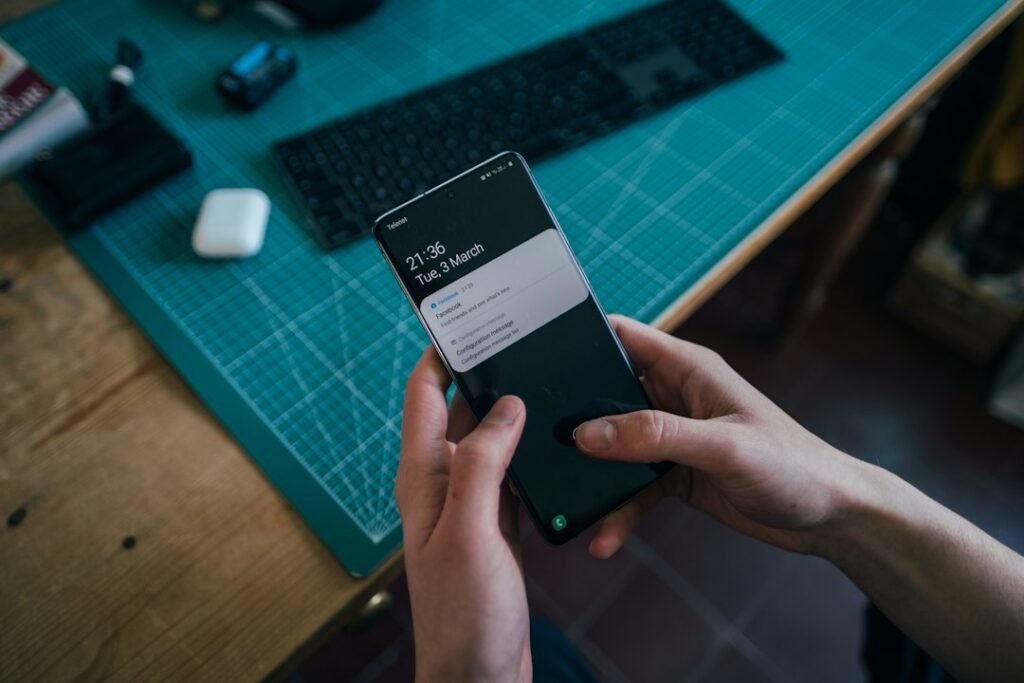
A group wants fewer distractions, yet some members rely on devices for accessibility, safety or caregiving.
Design a Phone-Free Option Without Making It Mandatory Read More »

A practical step-by-step editorial on identifying, verifying, closing, and documenting old app accounts you don’t recognize — with a worked example and checklist.
Practical step-by-step guide to protect a single essential non-sensitive document using offline copies, checks, a worked example, checklist and FAQs.
Build an Offline Backup Plan for One Essential Document Read More »
Agreeing on who can take, tag, store and remove photos before a group event prevents awkwardness and protects privacy. A short checklist and template included.
Make a Photo-Sharing Agreement Before a Group Event Read More »

Why minimal, consented data matters for volunteer signups Volunteers want to help, not hand over a dossier. Collecting unnecessary personal data increases privacy risk, administrative burden and legal exposure. A privacy-safe signup form focuses on three priorities: collect only what’s necessary, get clear consent for any use beyond signup, and limit how long and who
When you leave a role, delegate a project, or share household files, your digital folder layout should make sense to someone who doesn’t know your habits. This guide shows a compact, practical method focused on three priorities: simple names, access separation, and retention plus backups. Follow the step-by-step plan, use the worked example and checklist,
Make a Digital Folder System That Someone Else Can Understand Read More »
Arrange your phone by purpose, not impulse. Practical steps, a detailed worked example, checklist, obstacles and a 10‑minute next step to calm your home screen.
Set Up a Calm Phone Home Screen for Everyday Tasks Read More »

Make a shared family tablet safer and easier to manage using account boundaries, purchase protections, app permissions and agreed household rules.
Protect a Shared Family Tablet With Simple Account Boundaries Read More »

Most people assume “emergency contacts” means listing everything about a person: full name, address, medical history, relationship, and more. That increases risk if the card is lost or photographed. This guide shows a compact, privacy-safe approach that gives first responders or helpful strangers what they need to contact someone, without publishing sensitive details. This is
Create an Offline Emergency Contacts Card Safely Read More »